01
Read QR codes
Point your device camera at a QR code to view its decoded content.
QR Scanner: Barcode Scanner · Android
From a code to something you can use. Scan QR codes and supported barcodes, read the result, then decide where to go from there.
01 / THE EVERYDAY TOOLKIT
A camera scan is just the beginning. Explore the scanning, creation, and history tools shown in the app.
Point your device camera at a QR code to view its decoded content.
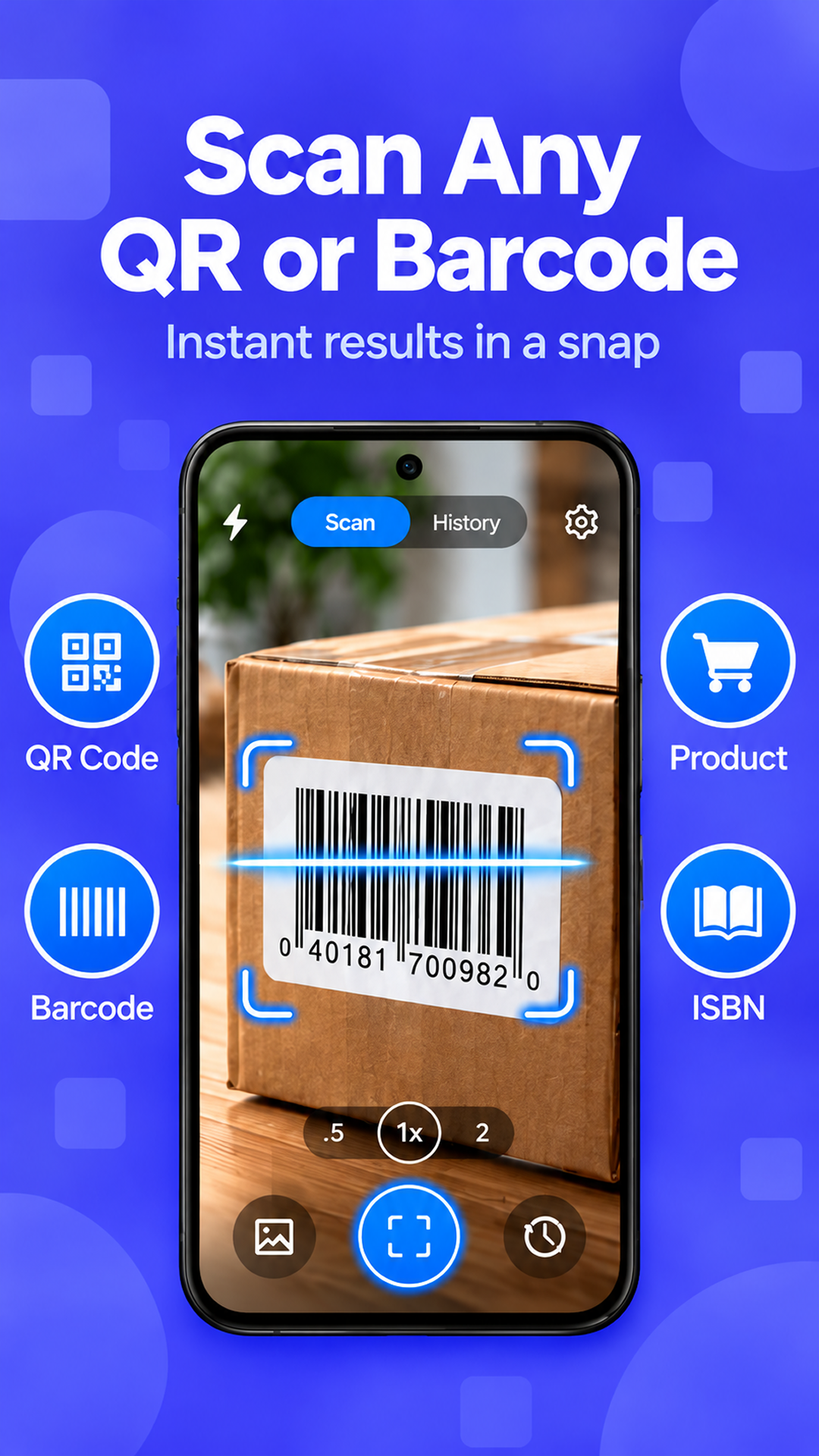
Use the same app to read supported barcodes with your camera.
Create codes for content such as text, URLs, Wi-Fi details, and contacts.
Find your previously scanned results in the app’s scan history.
Read a code from an image in your gallery, as shown in the app.
Review the decoded result before choosing an available action.
Take an available action, such as opening a link or copying text.
Camera images and decoded results are processed on your device under the app’s local-scanning design.
Supported code types and available actions may vary by device and app version.
02 / FROM CODE TO CONTENT
A simple flow that gives you a moment to see what a code contains before taking action.
Allow camera access for scanning, then point your device at a QR code or supported barcode.
Look at the decoded content and see what the code has to tell you.
Decide whether to open a link, copy text, or use another available action.
An internet connection may be needed for online features or third-party services.
See it in the app03 / A LOOK INSIDE
Explore the screens from Google Play. Select any image for a closer look.
04 / CAMERA & DATA
The app uses camera access for scanning. The developer states that camera images and decoded results are processed on your device and are not uploaded to them under the app’s local-scanning design.
Read the privacy policyGOOGLE PLAY DATA SAFETY
The listing separately discloses that the app may collect and share location, app activity, and two other data types. It states that data is encrypted in transit and cannot be deleted.
The app contains ads. Data practices may vary with your use, region, and age, and the developer may update this information.
View data safety on Google PlayREADY WHEN YOU ARE
Get QR Scanner: Barcode Scanner for Android.
GET IT ONGoogle PlayAndroid 12 and up · Contains ads